Settings Overview
Settings is the hub for everything that shapes how CrafterBy behaves: your personal account, your team, your billing, and — most importantly — the numbers that every cost calculation depends on.
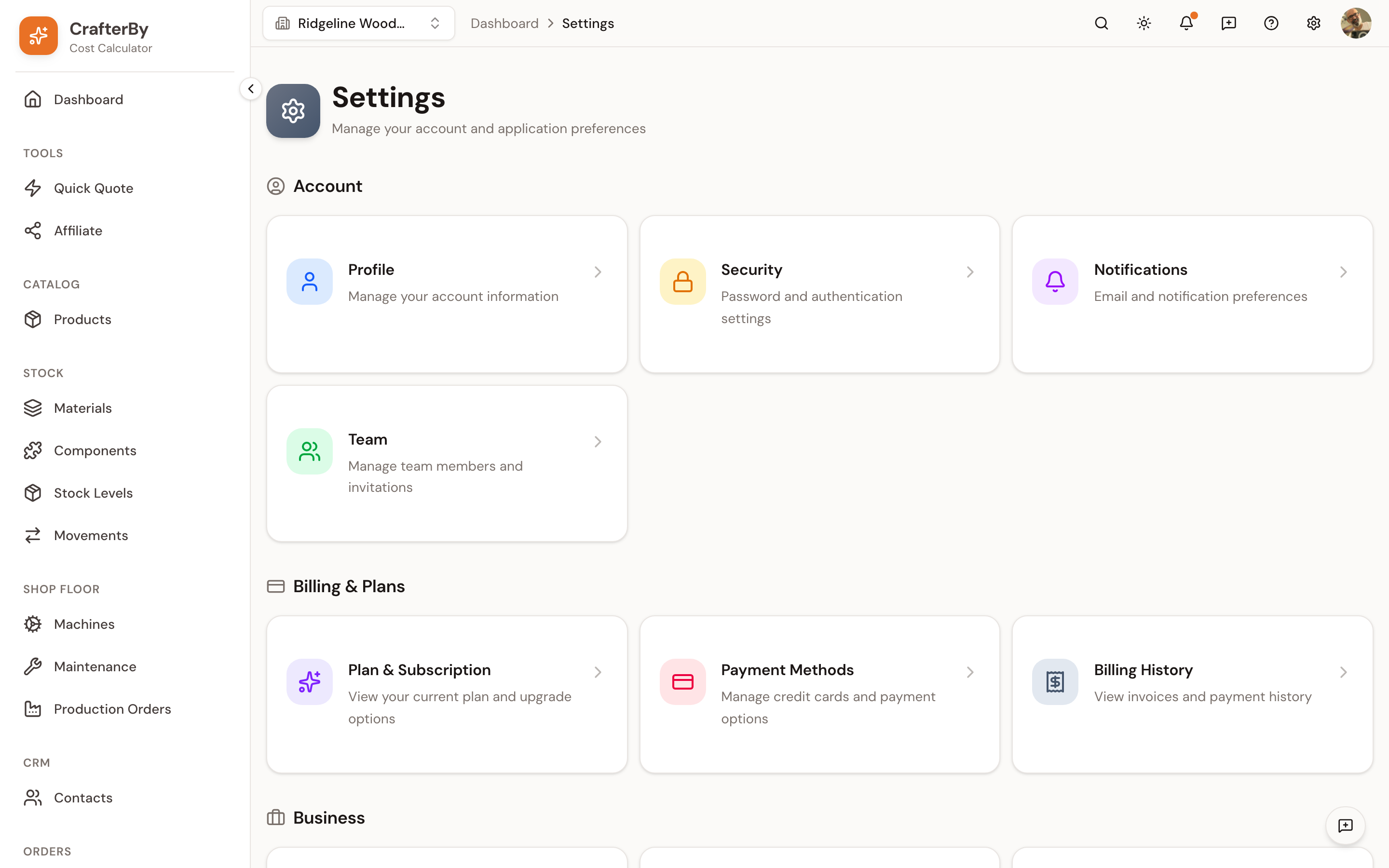
The 14 pages
| Page | Controls | Scope |
|---|---|---|
| Profile | Your name, contact details and interface language | You |
| Security | Your password | You |
| Notifications | Email and push preferences (not yet active) | You |
| Team | Members, roles, invitations | Organization |
| Plan & Subscription | Your plan and usage limits | Organization |
| Payment Methods | Cards, via the Stripe portal | Organization |
| Billing History | Past invoices | Organization |
| Cost Settings | Currency, measurement, labour and electricity rates, overhead %, waste | Organization |
| Business Overhead | Monthly fixed costs and how they reach products | Organization |
| Categories | Grouping for materials, products, machines and more | Organization |
| Material Types | Raw Material, Consumable, Packaging… | Organization |
| Units of Measure | The units available and how they convert | Organization |
| Stock Locations | Where stock physically lives | Organization |
| Taxes | Tax rules applied when pricing | Organization |
You settings follow your account between workspaces. Organization settings belong to one workspace only — switch organizations and you are editing a different set of numbers entirely.
The order to set them in
Later settings depend on earlier ones, so configuring out of order means redoing work.
- Cost Settings — currency first of all, then your labour and electricity rates.
- Business Overhead — your monthly fixed costs and production hours.
- Units of Measure and Material Types — the vocabulary your materials will use.
- Categories — how you want to group and report on things.
- Stock Locations — only if you hold stock in more than one place.
- Taxes — if you invoice with tax.
- Team — invite people once the workspace is set up.
Currency is the one setting that is painful to change later: CrafterBy does not convert existing values, so every number you already entered keeps its figure and simply gains a new symbol. Decide it before you enter real data.
Comments
No comments yet. Be the first to comment!
Log in with your CrafterBy account to leave a comment.
Log in to comment